
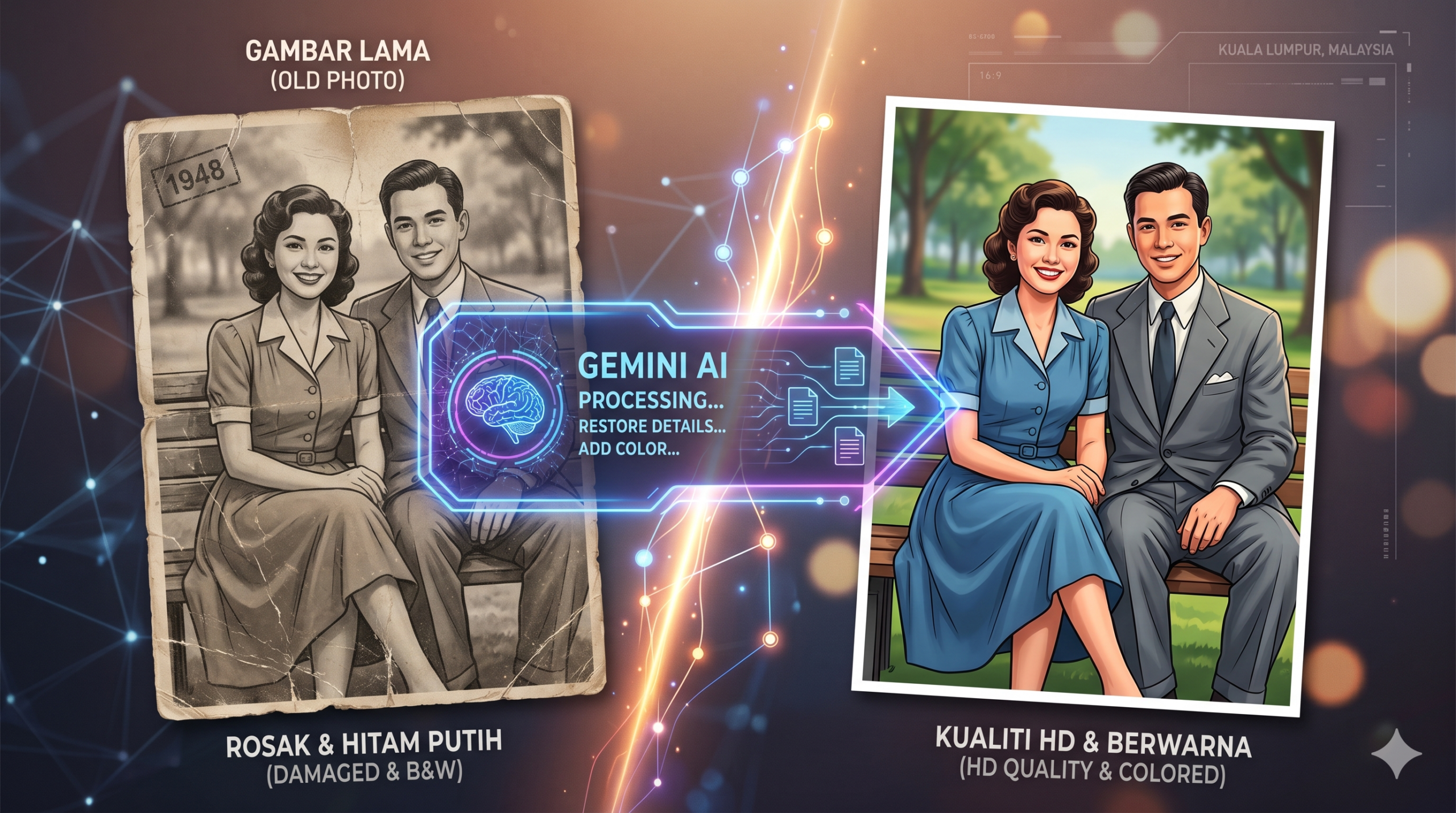
Gambar Lama Boleh Jadi Macam Baru Balik 😳
Pernah tengok gambar lama family yang dah pudar, hitam putih, atau blur sampai muka pun susah nak cam?
Sekarang benda tu dah tak mustahil nak repair.
Ramai orang tengah guna Google Gemini AI untuk hidupkan balik gambar lama jadi:
- lebih sharp
- lebih clear
- warna nampak natural
- dan paling best… nampak macam scene filem 😮
Ada satu prompt viral yang dikongsikan oleh Jeff dan Karim untuk restore gambar lama berusia lebih 40 tahun. Hasil dia memang gila cantik.
Cara Repair Gambar Lama Guna Gemini AI
2. Upload Gambar Lama
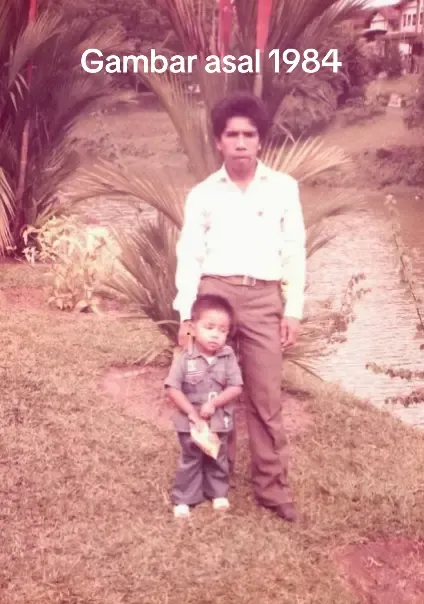
Attach gambar hitam putih atau gambar lama yang korang nak repair.
Tips:
- Lagi clear gambar asal, lagi cantik hasil dia
- Gambar family lama memang paling satisfying 😭
3. Copy Prompt Viral Ni 👇
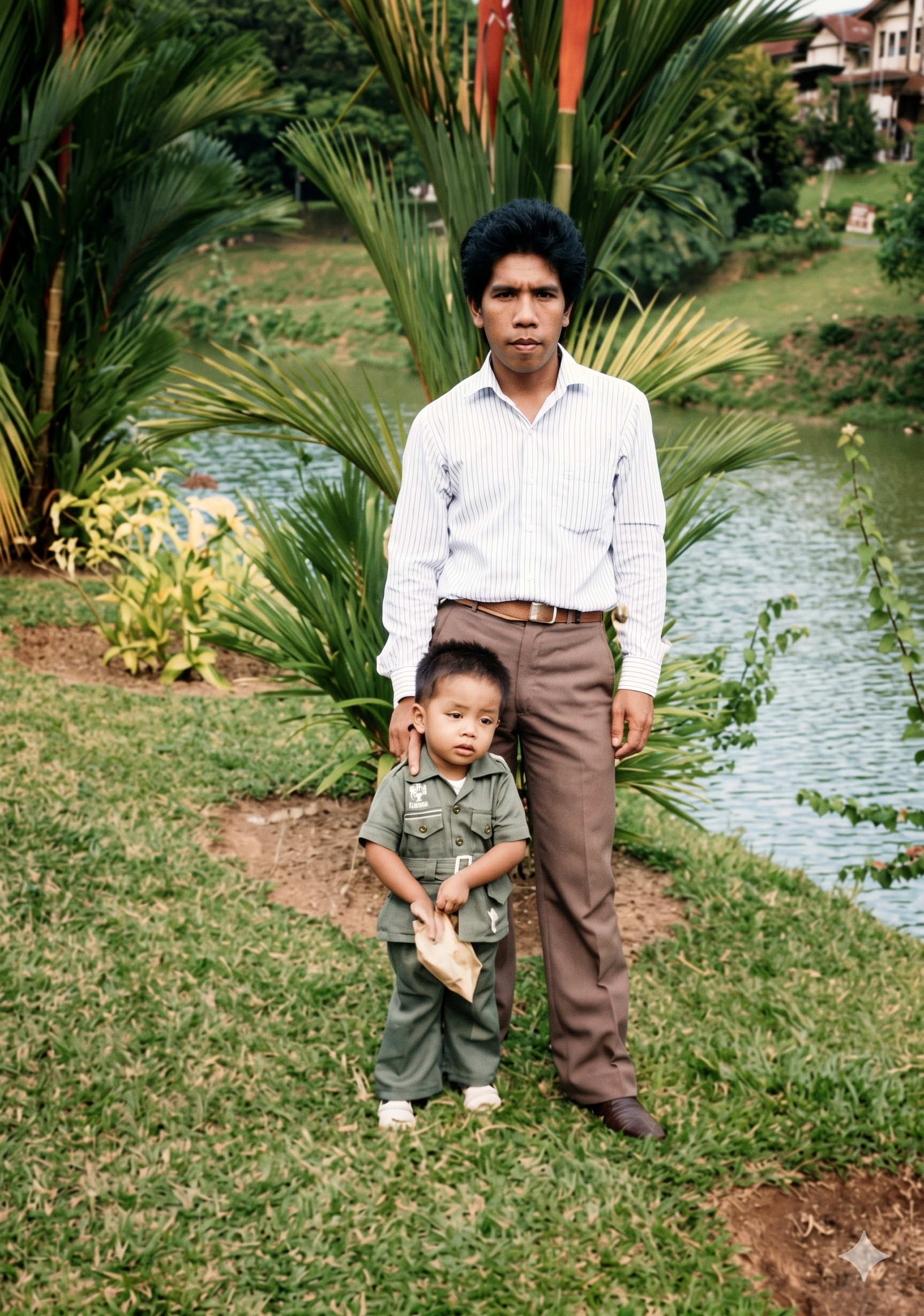
Ultra-realistic IMAX cinematic full-scene colorization of a black-and-white photo.
Subject: Use the attached black-and-white image as exact reference for face, hairstyle, clothing, and body details. Restore skin tones, hair color, and clothing with natural, lifelike colors.
Scene: Transform the entire environment from monochrome into realistic color. Apply natural tones to buildings, plants, sky, and background objects so the whole scene looks like a true color photograph.
Light & Color: Use balanced daylight with a slightly warm tone. Enhance vibrancy without oversaturation. Ensure harmony between subject and environment—every detail from the foreground to background should carry natural, vivid colors.
Lens & Camera: Keep the original composition, perspective, and depth. Emphasize cinematic clarity with crisp focus and smooth background transitions.
Output & Quality: IMAX 8K cinematic realism. Ultra-detailed textures of skin, fabrics, and environment. Seamless integration so the entire image feels as though it was originally captured in color, not artificially recolored.
Lepas paste prompt ni, tekan generate.
Siap 🚀
Kenapa Prompt Ni Jadi Viral?
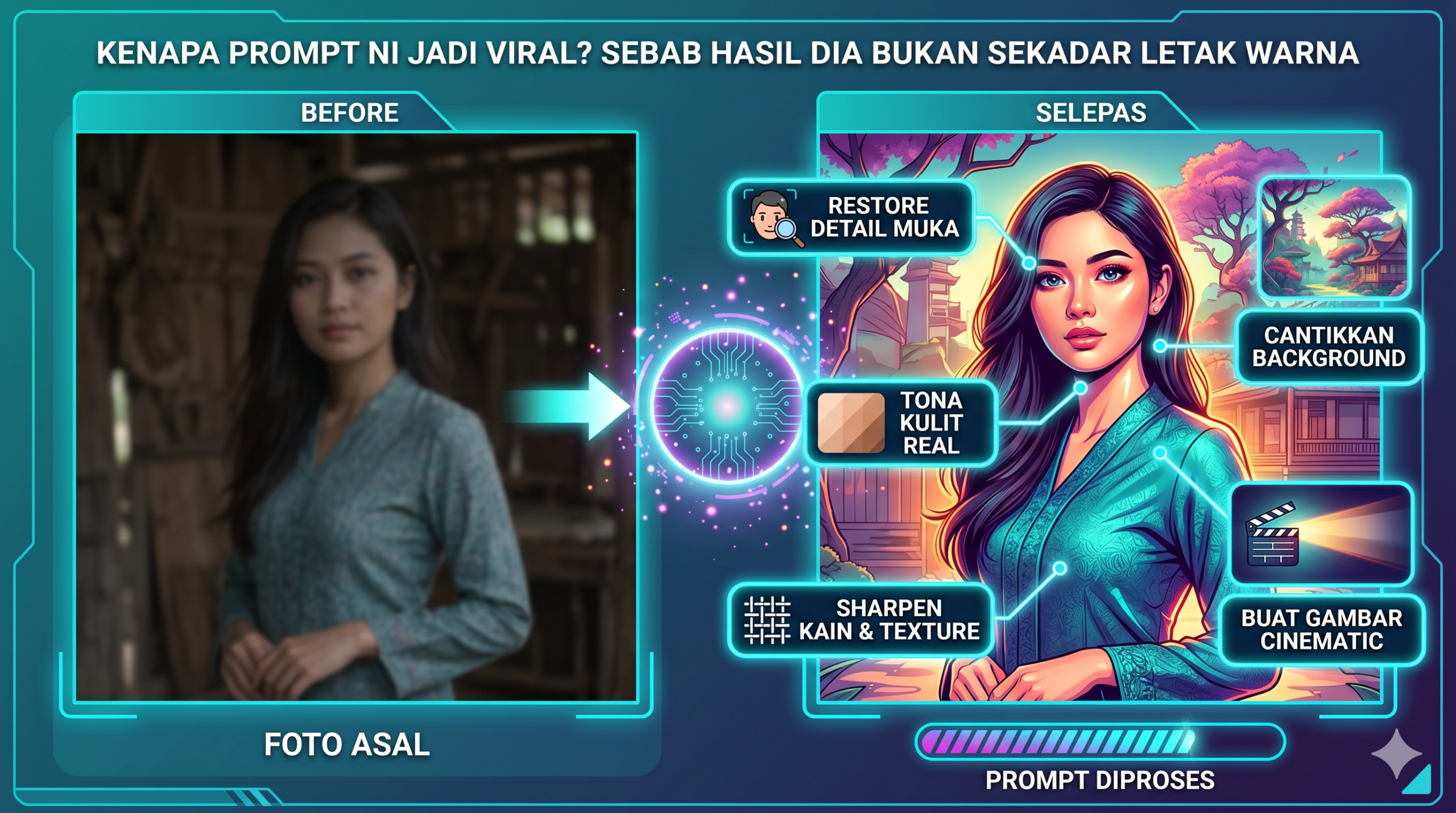
Sebab hasil dia bukan sekadar “letak warna”.
AI akan:
- restore detail muka
- bagi tona kulit nampak real
- cantikkan background
- sharpen kain dan texture
- buat gambar nampak cinematic
Kadang-kadang hasil dia macam gambar yang diambil guna kamera moden. Serius susah nak percaya itu gambar tahun 80-an atau 90-an 🤯
Tips Nak Dapat Hasil Lagi Cantik
Gunakan Gambar Resolusi Tinggi
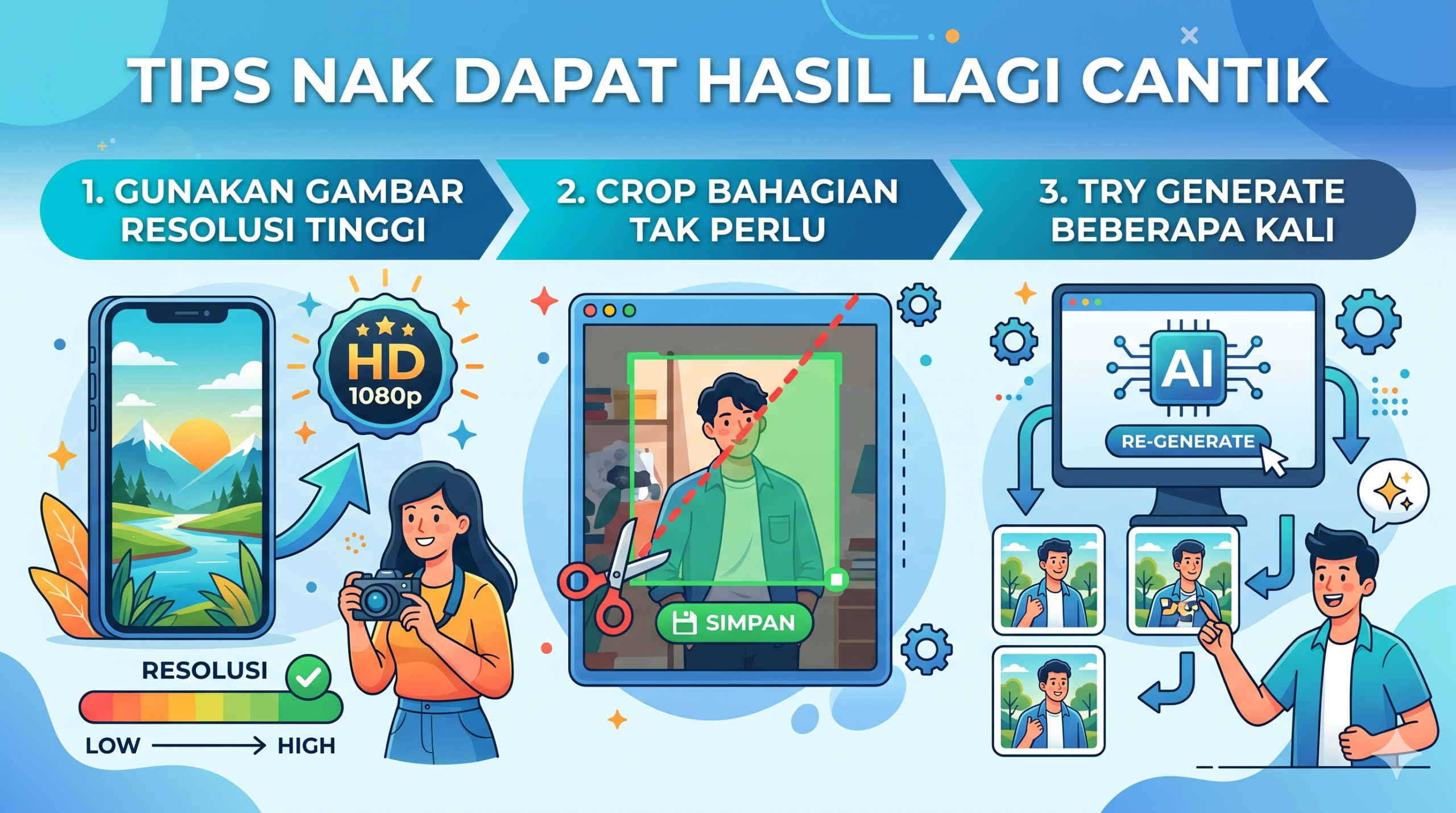
Kalau gambar terlalu pecah, AI pun susah nak recover detail sebenar.
Crop Bahagian Tak Perlu
Fokus dekat subjek utama supaya AI tak confuse.
Try Generate Beberapa Kali
Kadang-kadang hasil kedua atau ketiga lagi cantik daripada first attempt.
Macam masak Maggi juga…
batch kedua selalu lebih power 😂
Sesuai Untuk Siapa?
Prompt ni memang best untuk:
- gambar kahwin lama
- gambar arwah family
- album sekolah lama
- gambar zaman kecil parents
- koleksi sejarah.
Penutup
Dulu nak repair gambar lama kena guna software susah macam Adobe Photoshop dan perlukan skill editing.
Sekarang?
Copy prompt, upload gambar, siap 😮
Teknologi AI memang dah sampai level yang agak mind-blowing. Lagi-lagi bila tengok gambar lama family tiba-tiba jadi hidup balik dalam versi warna penuh.
Kalau korang ada gambar lama dekat rumah, memang worth cuba prompt ni 🔥
Jika artikel ini bermanfaat, jangan lupa untuk kongsi bersama rakan – rakan dan keluarga.
Sumber: https://www.threads.com/@jeffryaizad/post/DYScG42k9CE?xmt=AQG0Pf-P9D636ZSKIMB-BDat9LchDV4yr49FMpKWuloSX__Sbm8y5jku2-ZKE5SiszbAdeaR